



Rainbet Mobile Casino Australia 2026
Table of contents
Rainbet does not need a stripped-down “mobile account”. Open it on a phone and the same balance, Wallet, rewards, casino games and sportsbook follow you across devices.
The platform is built for browser-based mobile play, so iPhone and Android users can access Rainbet without relying on a separate download. Rainbet also states that its mobile interface retains desktop functionality across supported games.
That matters more than an app icon: deposits, withdrawals, account security and thousands of games remain inside one login.
For the broader product picture, see our Rainbet Casino Australia review.
From Phone Browser to First Game: The Full Setup
A proper mobile setup takes a few more steps than simply opening the homepage.
- Open Safari on iPhone or Chrome on Android.
- Load Rainbet and tap Log In or Sign Up.
- Use the same login method you originally registered with. Rainbet supports 9 account types, including native Rainbet, Google, Telegram, MetaMask, Steam, Solana and Discord.
- Complete any email or account-security checks.
- Open the security settings and enable 2FA before depositing.
- Go to Wallet and choose your deposit currency.
- For crypto, check both the coin and blockchain network before copying the address.
- Send the deposit and wait for it to appear in the same balance used on desktop.
- Open Casino, Originals or Sportsbook and choose the game or market you want.
- When withdrawing, return to Wallet, enter the destination address, re-check the network and confirm the transaction with 2FA if enabled.
If you registered through Google, Telegram, MetaMask or another third-party method, use that same provider when logging back in. Third-party Rainbet accounts do not automatically receive a separate Rainbet password.
Make Rainbet Feel More Like an App
You do not need to search for a download every time you want to open the casino.
On iPhone, Safari allows websites to be added to the Home Screen. Android browsers offer a similar shortcut function. That gives you an icon that opens Rainbet directly while keeping the actual platform inside the browser.
It is also safer than downloading an APK from an unofficial third-party site.
One Account, Not a Separate Mobile Version
Moving from laptop to phone does not mean starting again.
Your account credentials, Wallet and rewards remain connected to the same profile. That also means there is no need to transfer funds between “desktop” and “mobile” balances.
Rainbet currently supports multiple login types, but your original method matters. A Telegram-created account, for example, should normally be reopened through Telegram unless it has been converted into a native Rainbet account.
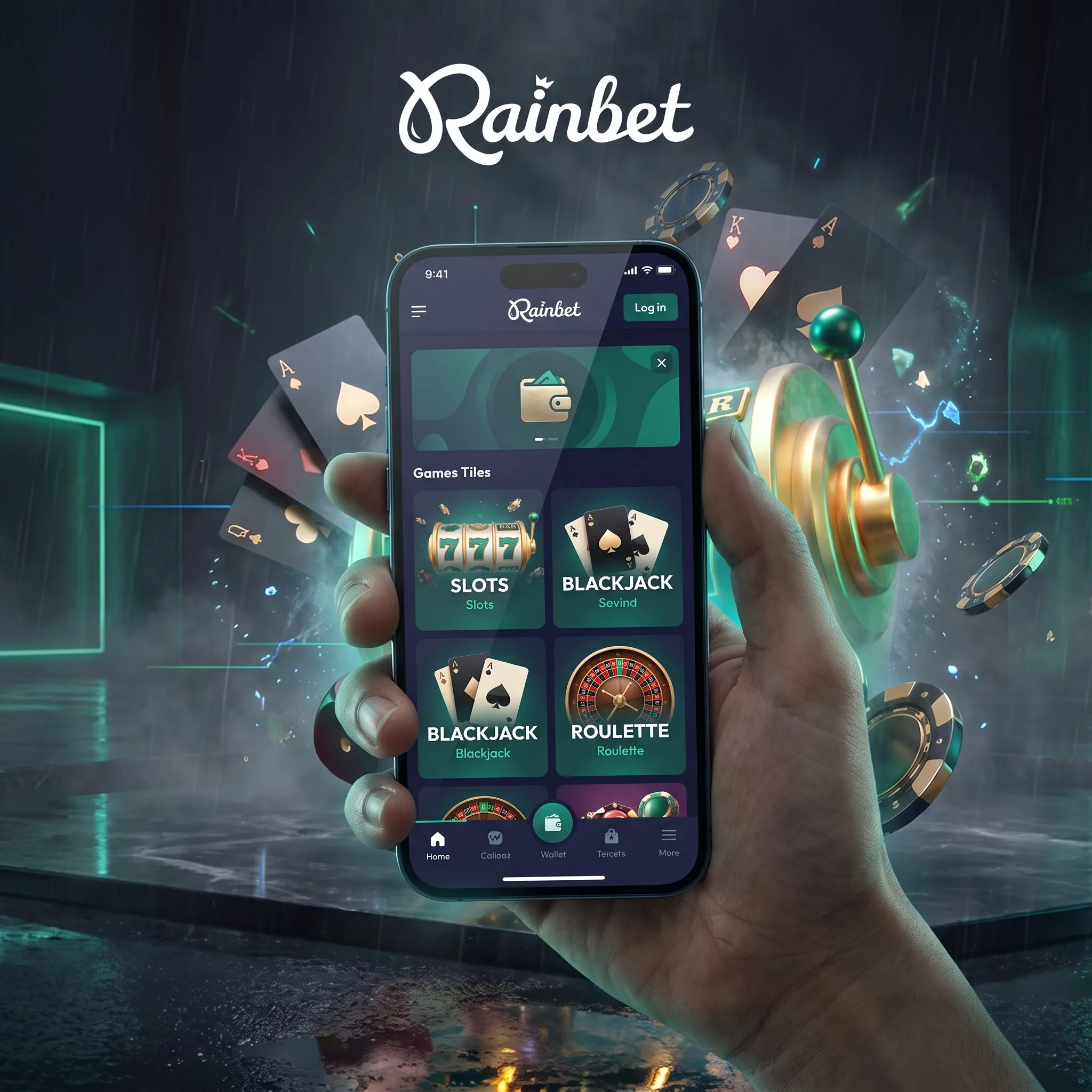
Take Rainbet with you
Play on mobileThe Rainbet registration guide compares the account methods and explains what happens after sign-up.
Which Games Work Best on a Smaller Screen?
Rainbet’s mobile-optimised titles are designed around touch controls rather than a mouse.
Pokies and Originals are generally the easiest fit because most actions sit inside a single game window. Rainbet Originals such as Keno also retain features including manual play, Auto Play, account controls and rewards on mobile.
Live dealer games work differently. They combine video streaming with betting controls, so connection quality matters more than it does with a standard pokie.
For mobile sessions, stable Wi-Fi or a reliable 4G, 5G or LTE connection is preferable.
Before using promotional funds on mobile games, review the Rainbet casino bonuses guide for wagering and game eligibility rules.
The Wallet Is Where You Should Slow Down
Mobile crypto payments are convenient precisely because wallet addresses can be copied in seconds. That is also where mistakes become expensive.
Before sending a deposit, check:
currency → network → address → amount
Do the same in reverse when withdrawing.
Do not assume that two assets with the same ticker automatically use the same network. Once a blockchain transaction has been sent, correcting the destination afterwards may not be possible.
The full Rainbet payment methods guide covers network selection, deposit rollover and withdrawal processing.
What to Do When a Game Freezes Mid-Round
Do not immediately start tapping Reload repeatedly.
Rainbet’s own troubleshooting sequence is more useful:
- Check whether the internet connection is stable.
- Close unnecessary browser tabs.
- Make sure the phone has current system updates.
- Restart the device.
- Try loading the game in Demo Mode first.
- Reopen it in Real Play.
- Clear browser cache and cookies if the problem continues.
- Contact support if the round still remains unresolved.
Rainbet specifically notes that connection drops or device lag can interrupt an active round.
On iPhone, cache and website data can be cleared through Safari settings. Chrome provides the same function on Android and iOS. Clearing cookies may log you out, so make sure you still have access to your login method and 2FA beforehand.
Security Matters More on a Phone
A phone may contain your email, crypto wallet and Rainbet session at the same time.
Use a screen lock, enable 2FA and avoid leaving the account signed in on a shared device. If a Rainbet password is changed after an account compromise, Rainbet states that active sessions across other devices are logged out automatically.
How We Judge the Mobile Experience
We check whether core desktop functions survive the move to a smaller screen: account access, Wallet controls, game loading, touch navigation, crypto transactions, security and recovery when a round fails.
A responsive homepage alone is not enough.
Keeping Mobile Sessions in Check
A phone removes most of the friction between deciding to play and actually placing a bet. Set both a money limit and a session limit before opening the casino.
Australian residents who need support can contact Gambling Help Online or the National Gambling Helpline on 1800 858 858.